Mobile apps have become an important part of everyday life. From online shopping and digital payments to education, entertainment, fitness, and business management, people use mobile applications for almost everything.
As smartphones continue to play a major role in how people work and communicate, mobile app development has become an important technology skill for developers, entrepreneurs, and businesses.
But what exactly is mobile app development? Which programming languages should you learn? How are Android and iOS apps created? And how much does it cost to build an application?
In this guide, we will explain mobile app development in simple terms, explore the tools and technologies involved, and walk you through the process of building an app from idea to launch.
What Is Mobile App Development?
Mobile app development is the process of planning, designing, building, testing, and maintaining software applications for smartphones and other mobile devices.
These applications can run on Android devices, Apple iPhones, or both platforms. Depending on their purpose, they may work entirely on a device or connect to online services to store data, process payments, deliver notifications, or provide other features.
Common examples of mobile applications include:
- Shopping apps for ordering products online.
- Banking and payment apps for managing money.
- Social media apps for communication and content sharing.
- Fitness apps for tracking workouts and activity.
- Productivity apps for managing tasks and schedules.
- Educational apps for learning new skills.
A mobile application usually includes a user interface, application logic, and sometimes a backend server and database. The complexity depends on what the app needs to do.
Types of Mobile App Development
There are several approaches to building mobile apps. The right choice depends on your budget, development skills, project requirements, and target audience.
1. Native App Development
Native development means creating an app specifically for one operating system.
For example, developers commonly use Kotlin for modern Android development and Swift for iOS development.
Advantages
- Direct access to platform-specific features.
- Strong integration with the operating system.
- Fine-grained control over performance and user experience.
- Suitable for applications that depend heavily on device capabilities.
Disadvantages
- Building separate Android and iOS applications can require more development effort.
- Teams may need different skills for each platform.
- Maintaining two separate codebases can increase ongoing work.
Native development can be a good choice for complex applications that require deep platform integration or specialised performance.
2. Cross-Platform App Development
Cross-platform development allows developers to build applications for multiple operating systems using a shared codebase.
Popular technologies include Flutter and React Native, although their architecture and development approaches differ.
Flutter
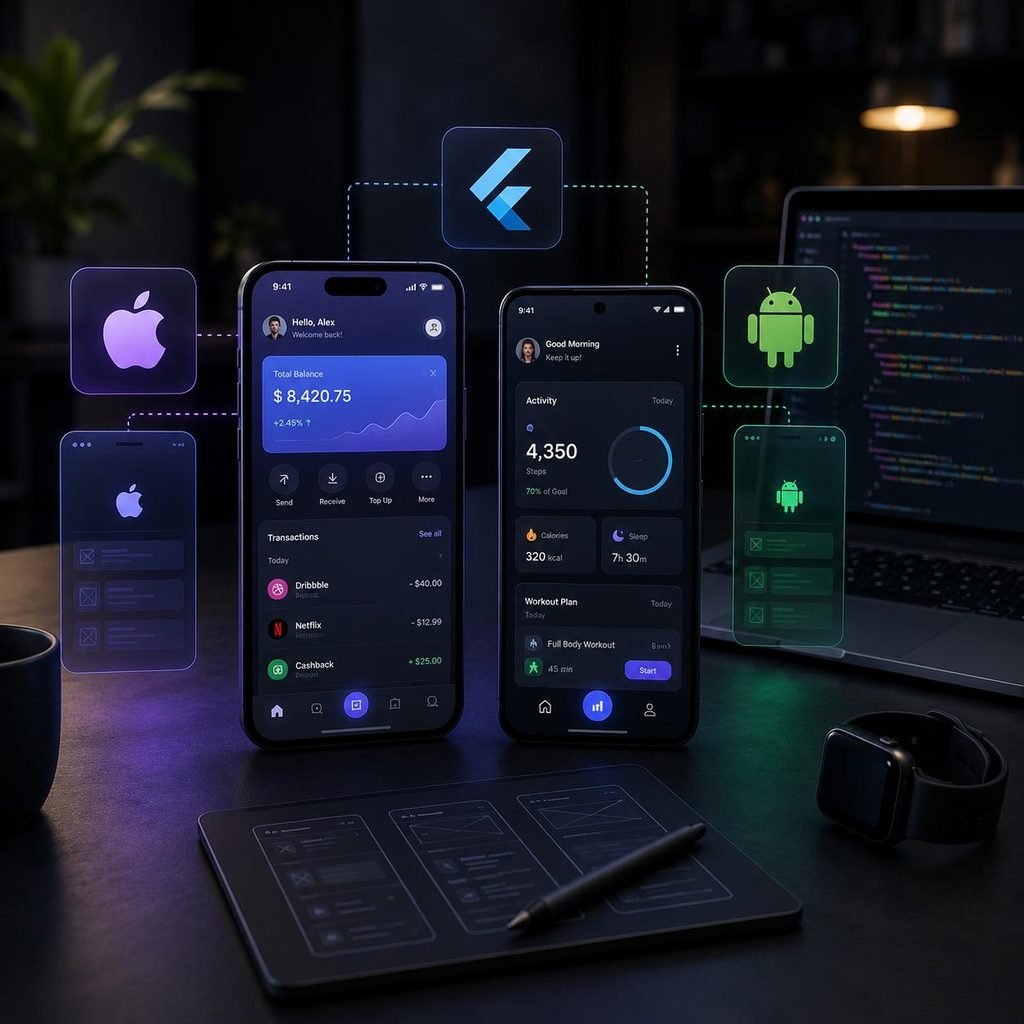
Flutter uses the Dart programming language and provides tools for building apps for Android and iOS from a shared codebase. It is worth considering when you want a consistent design across platforms.
Official resource: Flutter documentation
React Native
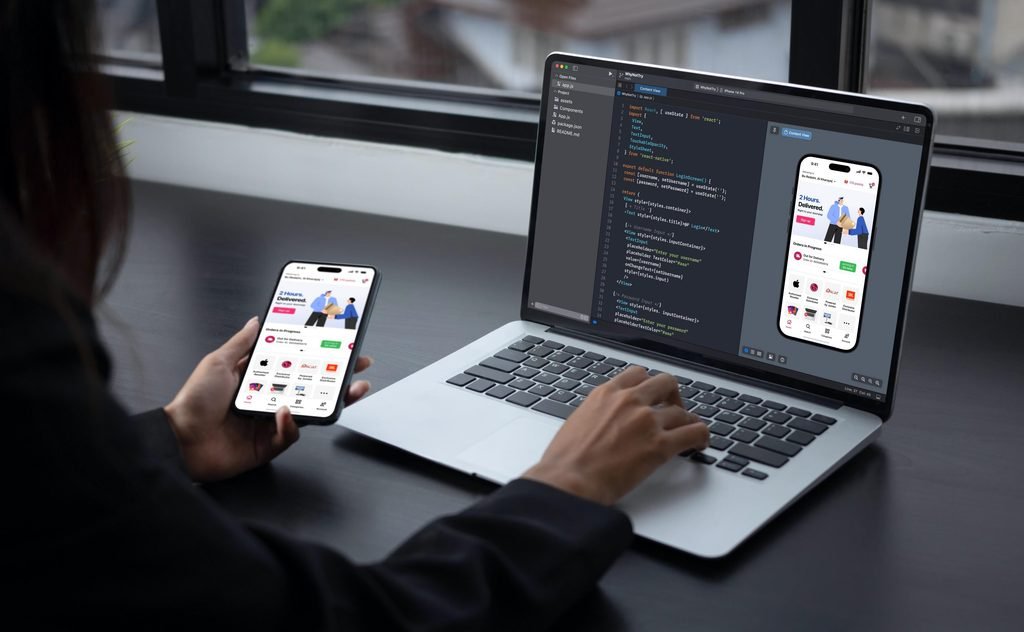
React Native is another option for building Android and iOS apps using React and JavaScript or TypeScript. It may be particularly useful for developers who already have web development experience.
Official resource: React Native documentation
Advantages of cross-platform development
- Shared code can reduce duplicated work.
- Teams can maintain many features in one codebase.
- It can simplify coordinated releases across platforms.
- It may be cost-effective for apps that do not require extensive platform-specific functionality.
Potential drawbacks
Some features may still require platform-specific code. Testing on both operating systems remains important, and a shared codebase does not guarantee identical performance or lower costs in every project.
3. Progressive Web Apps (PWAs)
A Progressive Web App is a web application built with technologies such as HTML, CSS, and JavaScript that can offer app-like experiences in supported browsers.
Depending on the browser and operating system, a PWA may support installation, offline functionality, and other capabilities.
Advantages
- Can be accessed through a web link.
- Updates can be deployed without the same store-release process as a native app.
- One web application can reach users across supported devices.
Limitations
Access to device features and installation behaviour can vary across platforms. A PWA may not be suitable when your project requires extensive native capabilities or a traditional app-store presence.
Android vs iOS App Development
Android and iOS are the two major mobile platforms to consider when planning a mobile application.
| Feature | Android | iOS |
|---|---|---|
| Main native languages | Kotlin, Java | Swift |
| Main development environment | Android Studio | Xcode |
| App distribution | Google Play and other permitted channels | Apple App Store and other supported distribution methods |
| Device ecosystem | Many manufacturers and device types | Apple devices |
| Testing requirements | Different screen sizes and hardware configurations | Different supported Apple devices and OS versions |
Android offers a broad range of device types and manufacturers, while iOS development focuses on Apple’s ecosystem.
If your audience uses both platforms, cross-platform development may be worth considering. However, your choice should be based on user needs, device features, team skills, and long-term maintenance rather than popularity alone.
Best Programming Languages for Mobile App Development
Choosing a programming language becomes easier when you first decide which platform and development approach you want to use.
Kotlin — Android Development
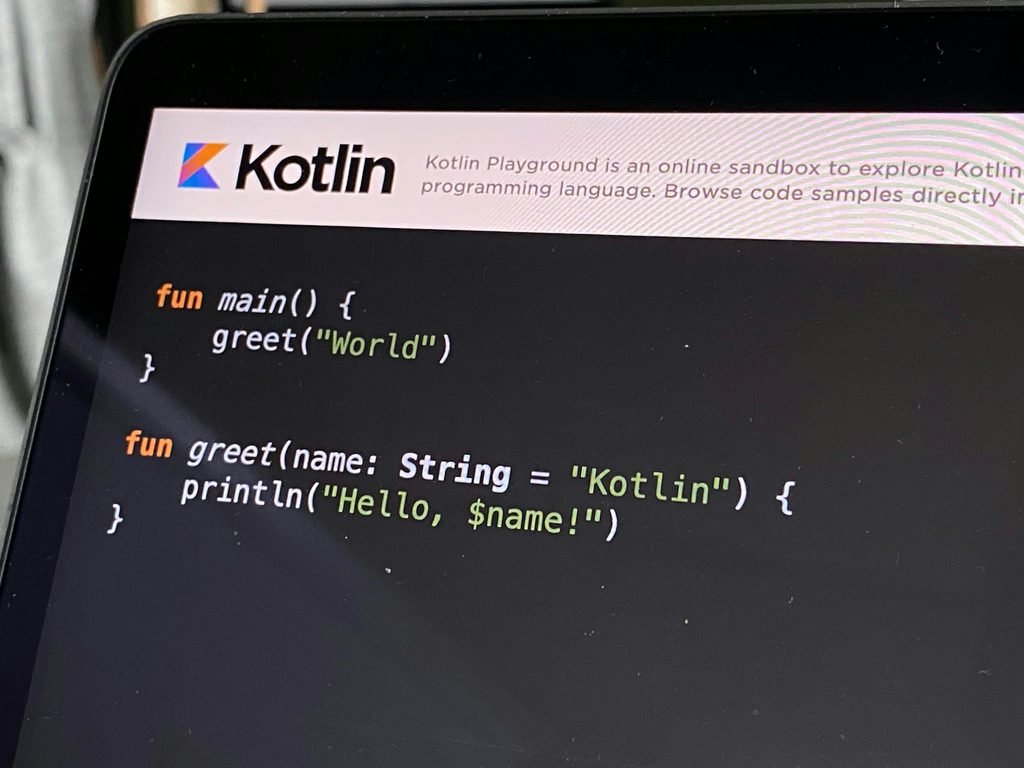
Kotlin is widely used for modern native Android development. It works with Android’s development ecosystem and is a good starting point for people who want to focus on Android apps.
Learn more: Android Developers
Swift — iOS Development
Swift is Apple’s programming language for developing applications across its platforms. iOS developers commonly use it with Apple’s development tools and frameworks.
Learn more: Swift.org
Dart — Flutter Development
Dart is used with Flutter to build apps from a shared codebase. It can be a practical route for developers who want to target both Android and iOS.
Learn more: Dart documentation
JavaScript or TypeScript — React Native
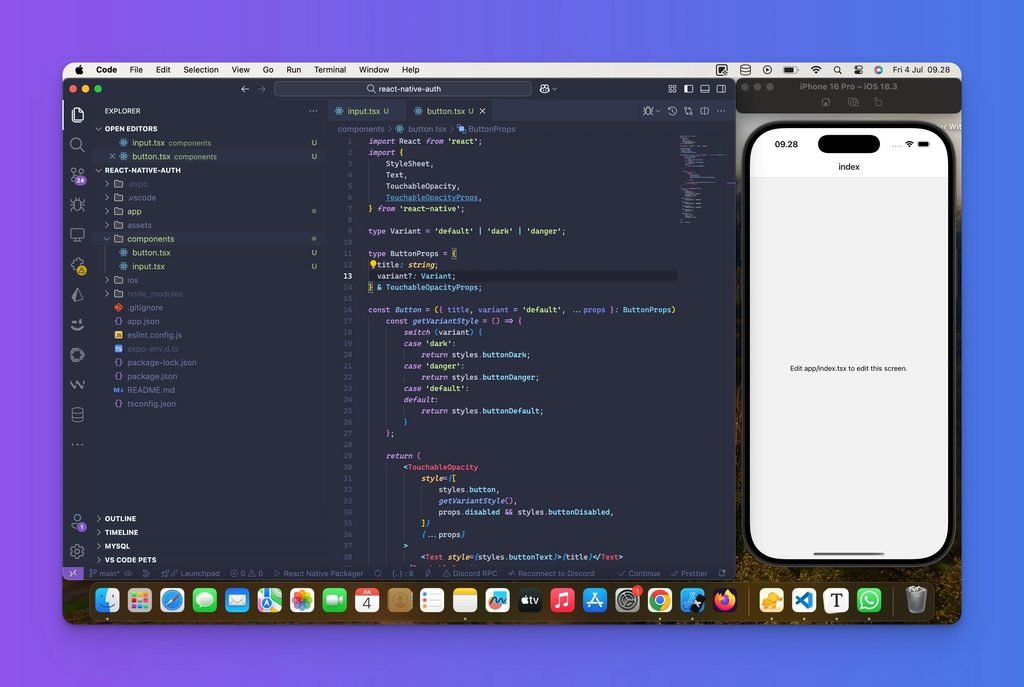
These languages are useful for React Native development. JavaScript is common in web development, while TypeScript adds static typing to help manage larger codebases.
Learn more: React Native
You do not need to learn every language at once. Start with one development path, build small projects, and expand your skills as your requirements grow.
Essential Tools for Mobile App Development
Developers use different tools throughout the app development process.
| Tool | Main purpose |
|---|---|
| Android Studio | Developing, building, and testing Android applications |
| Xcode | Building and testing Apple-platform applications |
| Flutter | Cross-platform application development |
| React Native | Cross-platform development using React |
| Git and GitHub | Tracking code changes and collaborating |
| Firebase | Backend services such as authentication, databases, and notifications, depending on the product used |
| Figma | Designing interfaces and creating prototypes |
You do not need all of these tools for every project. Select the tools that match your chosen platform, features, and team workflow.
The Mobile App Development Process: Step by Step
Building a successful application involves much more than writing code. A clear process helps reduce mistakes, improve usability, and control project costs.
Step 1: Define the App Idea
Start by identifying the problem your app will solve. Determine who will use it, what they need, and why they would choose your app over existing alternatives.
For example, a local shop might need an app for product browsing, online orders, and order tracking.
Step 2: Research and Plan Features
List the essential features and separate them from optional improvements.
A shopping app may initially need product listings, search, a shopping cart, secure checkout, and order updates. Avoid adding unnecessary features before validating the core idea.
Step 3: Design the User Interface
Create wireframes and prototypes before development begins. Focus on readable text, clear navigation, accessible controls, and consistent layouts.
Test the design with potential users to identify confusing screens early.
Step 4: Develop the App
Build the user interface, business logic, data storage, and backend integrations as needed. Set up authentication, APIs, and permissions carefully.
Choose native or cross-platform development according to the project requirements.
Step 5: Test the Application
Check navigation, performance, device compatibility, security, network failures, and error handling.
Test on real devices where possible, not just an emulator. Fix critical bugs before release.
Step 6: Publish the App
Prepare the app listing, screenshots, description, privacy information, and required assets. Follow the relevant store’s current review and testing requirements.
Publishing does not guarantee immediate approval or user downloads.
Step 7: Maintain and Improve the App
Monitor crashes, user feedback, performance, and security updates. Release improvements based on actual usage and changing platform requirements.
Ongoing maintenance should be included in the project plan from the beginning.
How Much Does Mobile App Development Cost?
The cost of developing a mobile app varies widely. There is no single price that applies to every project.
A simple informational app may need relatively little backend functionality, while an app with user accounts, live tracking, payments, chat, or complex integrations requires considerably more work.
The main factors affecting development cost include:
- App complexity: More screens and features generally require more development and testing.
- Platform choice: Separate native apps may require additional work compared with a shared codebase.
- UI and UX design: Custom animations, complex workflows, and accessibility requirements affect effort.
- Backend infrastructure: Databases, APIs, authentication, and cloud services may add ongoing costs.
- Security and compliance: Sensitive data and regulated use cases may require additional safeguards.
- Maintenance: Bug fixes, OS compatibility, hosting, and future features can create recurring expenses.
Before requesting a quote, prepare a clear feature list, identify your target platforms, and decide what must be included in the first release. Ask developers to separate initial development costs from hosting, maintenance, and third-party service charges.
Common Mobile App Development Mistakes to Avoid
Even a promising app idea can struggle if the development process ignores users or long-term maintenance.
Avoid these common mistakes:
- Building too many features before testing the core idea.
- Ignoring app security and user privacy.
- Testing only on one device.
- Creating confusing navigation or overcrowded screens.
- Assuming that launching an app automatically attracts users.
- Ignoring crash reports, feedback, and updates after release.
- Failing to plan for backend costs and future maintenance.
Start with a focused version of your app, validate it with real users, and improve it based on evidence.
Is Mobile App Development Worth Learning?
Mobile app development can be a useful skill for people interested in software engineering, product development, freelancing, or building their own digital products.
It can help you turn an idea into a working application, understand how digital services operate, and create a portfolio of practical projects.
However, learning takes time. You will need to practise programming, debugging, UI design, data handling, and testing. Completing small projects is usually more effective than studying programming concepts without applying them.
A good beginner project might be a to-do list, a notes app, a simple expense tracker, or a weather app using a public API. Once you understand the basics, you can move towards more complex projects.
Frequently Asked Questions (FAQs)
1. What is mobile app development in simple words?
Mobile app development is the process of creating software applications for smartphones and other mobile devices. It includes planning, designing, coding, testing, publishing, and maintaining the app.
2. Which language is best for mobile app development?
It depends on your goal. Kotlin is a strong choice for native Android development, Swift for native iOS development, Dart for Flutter, and JavaScript or TypeScript for React Native.
3. Can beginners learn mobile app development?
Yes. Beginners can start with basic programming concepts and a small project. Choose one development path and practise consistently before moving to advanced features.
4. Is it possible to build Android and iOS apps together?
Yes. Frameworks such as Flutter and React Native allow developers to share substantial portions of code across Android and iOS. Some platform-specific implementation and testing may still be required.
5. Do I need a powerful computer to develop mobile apps?
Requirements depend on the development tools and target platforms. Modern development tools can be demanding, especially when using emulators. Check the official system requirements before setting up your environment.
6. How long does it take to build a mobile app?
It depends on the scope, complexity, team size, integrations, and testing requirements. A small prototype may take much less time than a production application with accounts, payments, and a backend.
7. Can mobile apps make money?
Apps can generate revenue through subscriptions, paid downloads, advertising, in-app purchases, or business services. Results depend on the app’s value, audience, pricing, marketing, and operating costs. Revenue is not guaranteed.
Final Verdict
Mobile app development combines programming, design, testing, and problem-solving to create useful experiences for smartphone users.
If you are a beginner, start by deciding whether you want to build native Android apps, native iOS apps, or cross-platform applications. Learn the relevant tools, create a small project, and test it with real users before attempting a complex product.
For businesses, the best development approach is the one that meets user needs, fits the available budget, and can be maintained over time.
With careful planning and consistent practice, mobile app development can become a valuable technical skill and a foundation for building useful digital products.