💳 How to Check Vanilla Gift Card Balance – Easy Step-by-Step Guide

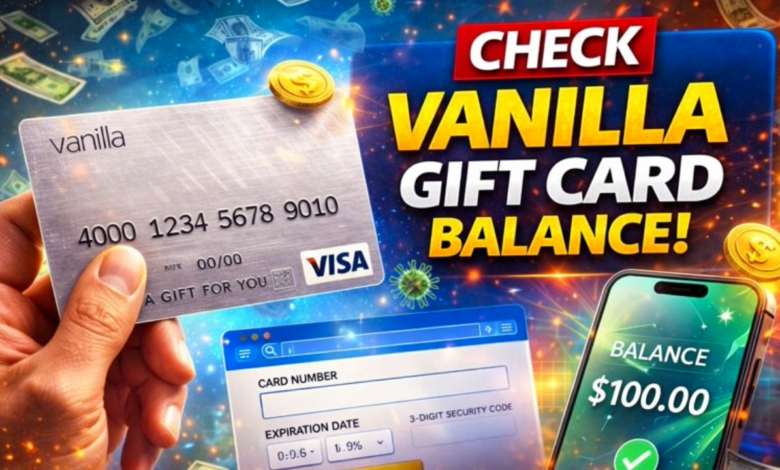
Vanilla gift cards are one of the most popular prepaid cards used for online shopping, bill payments, and in-store purchases. Before using your card, it is important to check your Vanilla gift card balance to avoid transaction failures and confusion.
In this complete guide, you’ll learn all the easy ways to check your Vanilla gift card balance, along with tips, FAQs, and common problems.
📌 What Is a Vanilla Gift Card?
A Vanilla Gift Card is a prepaid debit card that works like a Visa or Mastercard. You can use it at millions of stores worldwide, both online and offline.
Key Features:
- No bank account needed
- Accepted everywhere Visa/Mastercard is used
- Easy to use
- Secure payment option
- Perfect for gifting
✅ Why You Should Check Your Vanilla Gift Card Balance
Checking your balance before shopping helps you:
✔️ Avoid declined payments
✔️ Manage spending easily
✔️ Know how much money is left
✔️ Prevent card misuse
✔️ Plan purchases better
📱 Method 1: Check Vanilla Gift Card Balance Online (Best Way)
The fastest way to check your balance is through the official website.
Step-by-Step Process:
1️⃣ Visit the official Vanilla balance check website ( https://balance.vanillagift.com )
2️⃣ Click on “Check Balance”
3️⃣ Enter your 16-digit card number
4️⃣ Enter the expiration date
5️⃣ Type the CVV (security code)
6️⃣ Click Submit
✔️ Your current balance will appear instantly on the screen.
☎️ Method 2: Check Balance by Phone
You can also check your balance by calling customer service.
Steps:
1️⃣ Find the toll-free number on the back of your card (often 1-855-686-9513 for MyVanilla)
2️⃣ Call the number
3️⃣ Follow the automated voice instructions
4️⃣ Enter your card details
5️⃣ Listen to your balance information
✔️ This method works 24/7.
🏪 Method 3: Check Balance in Store (Limited Locations)
Some retail stores allow balance checks at the counter.
How It Works:
- Visit the store where you purchased the card
- Ask the cashier to check the balance
- Swipe or scan the card
⚠️ Note: Not all stores provide this service.
🔐 How to Register Your Vanilla Gift Card (Optional)
Registering your card helps with online payments and security.
Benefits:
- Protects against loss
- Enables address verification
- Improves online acceptance
- Helps track transactions
You can register on the official Vanilla website.
⚠️ Common Problems When Checking Balance (And Solutions)
❌ Invalid Card Number
✔️ Re-check digits carefully
❌ Website Not Working
✔️ Try later or use phone method
❌ Card Not Activated
✔️ Activate card first using instructions
❌ Zero Balance
✔️ Review recent transactions
❌ Card Declined
✔️ Ensure enough funds and correct billing info
💡 Tips to Use Your Vanilla Gift Card Wisely
✔️ Use the full balance in one transaction if possible
✔️ Keep card details private
✔️ Take screenshots of balance info
✔️ Track spending regularly
✔️ Don’t share CVV code
📊 Vanilla Gift Card Fees (Important Info)
Some Vanilla cards may include:
- Activation fee: $3–$6
- Monthly maintenance fee (after inactivity)
- Replacement fee
Always check the card terms.
❓ Frequently Asked Questions (FAQs)
❓ Can I Check Vanilla Gift Card Balance Without CVV?
No. For security reasons, CVV is required online.
❓ Can I Use Vanilla Gift Card Internationally?
Yes, if the merchant accepts Visa/Mastercard.
❓ What If I Lose My Card?
Contact customer support immediately if registered.
❓ Do Vanilla Gift Cards Expire?
Funds usually don’t expire, but cards may.
❓ Can I Reload a Vanilla Gift Card?
No. Most Vanilla cards are non-reloadable.
📝 Final Words
Checking your Vanilla gift card balance is simple and takes only a few minutes. Whether you use the website, phone service, or store counter, staying updated with your balance helps you shop without stress.
Always protect your card details and check your balance before making purchases.
With this guide, you can now manage your Vanilla gift card like a pro!





One Comment