
Choosing the right WiFi router can make a big difference in your internet experience. Whether you use the internet for working from home, online gaming, watching 4K videos, attending video calls, or connecting multiple smart devices, a good router helps you get a more reliable wireless connection.
However, finding the best WiFi router is not just about choosing the model with the highest advertised speed. You also need to consider your internet plan, home size, WiFi technology, connected devices, security features, and budget.
Some routers are ideal for everyday browsing, while others are designed for demanding gaming sessions, high-speed fibre connections, and large homes with multiple floors.
In this guide, we will explore the best WiFi routers to consider in 2026, explain the features that matter most, and help you choose the right router for your needs.
Quick Picks: Best WiFi Routers at a Glance
If you do not want to read the entire guide, here are some routers worth comparing for different requirements.
| Router | Best for | WiFi technology |
|---|---|---|
| TP-Link Archer AX12 | Budget-conscious buyers | WiFi 6 |
| TP-Link Archer AX53 | Everyday home use | WiFi 6 |
| TP-Link Archer AX55 | Busy households | WiFi 6 |
| ASUS RT-AX86U Pro | Gaming and demanding use | WiFi 6 |
| TP-Link Archer BE230 | WiFi 7 entry-level upgrade | WiFi 7 |
These are starting points rather than a universal ranking. Actual performance depends on your home layout, internet connection, firmware, and client devices.
Buying tip: For most households with a 100–500 Mbps fibre plan, a well-equipped WiFi 6 router can be a sensible choice. WiFi 7 is worth considering if you need its newer features and have compatible devices.
1. TP-Link Archer AX12 — Best Budget WiFi Router
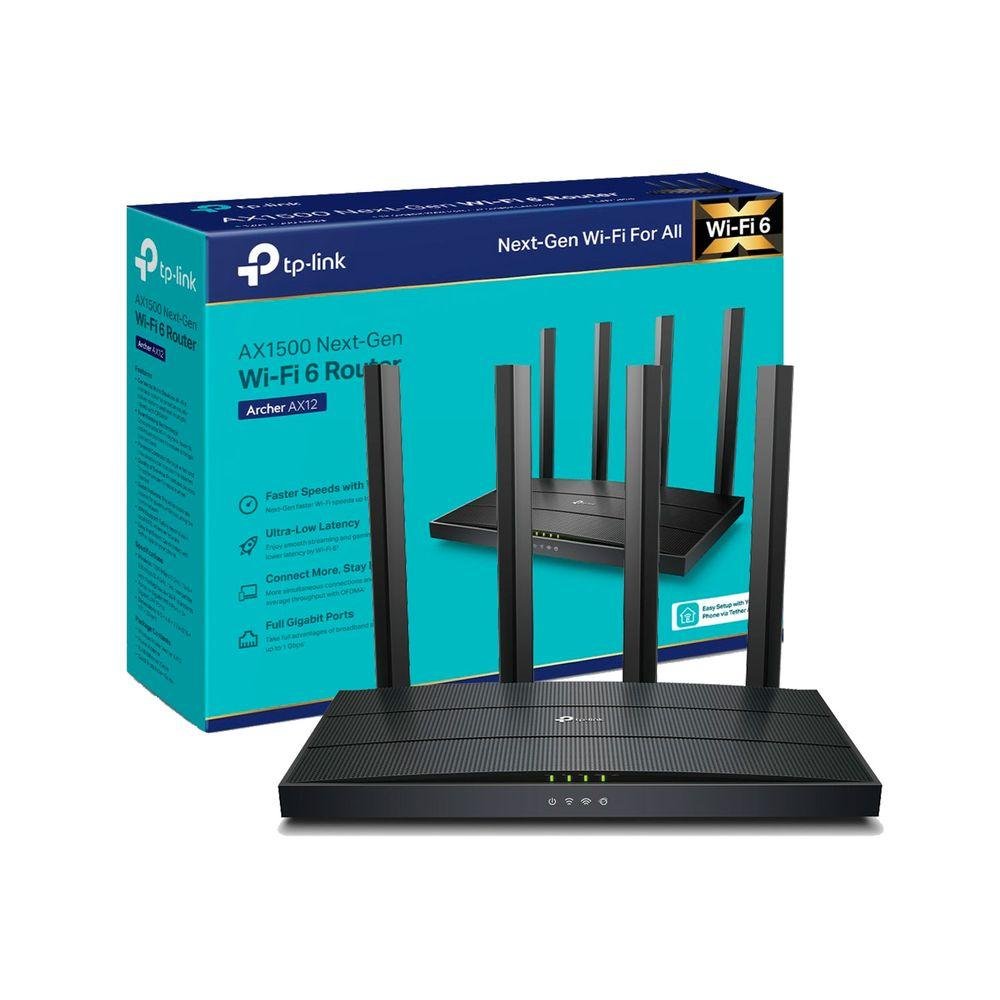
TP-Link Archer AX12
WiFi 6 · Dual-band · Budget option
A practical starting point for people upgrading from an older router and looking for modern WiFi 6 connectivity without spending too much.
The TP-Link Archer AX12 is worth considering for smaller homes, students, and users with basic to moderate internet requirements.
Its WiFi 6 technology is designed to improve wireless efficiency, particularly when several compatible devices share the network. It can be suitable for everyday activities such as browsing, online classes, video calls, and HD streaming.
Key things to consider
- WiFi 6 support for compatible phones and laptops.
- Dual-band wireless connectivity.
- Suitable for everyday home networking, depending on layout and interference.
- A lower-cost alternative to more advanced WiFi 6 and WiFi 7 models.
Who should buy it?
Choose this router if you have a modest broadband plan and do not need advanced gaming features or multi-gigabit networking.
Who should skip it?
If you have a large multi-storey home, a very fast internet plan, or many demanding users, compare more capable routers or a mesh system before buying.
2. TP-Link Archer AX53 — Best WiFi Router for Most Homes
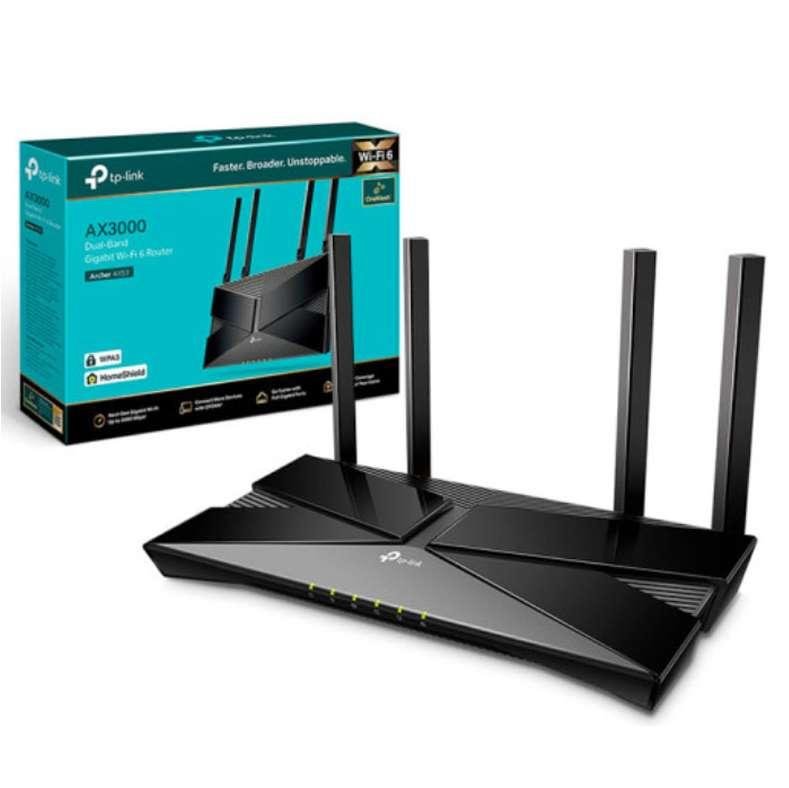
TP-Link Archer AX53
WiFi 6 · AX3000 class · Dual-band
A strong model to compare for everyday browsing, streaming, work-from-home setups, and households with multiple connected devices.
For many households, a mid-range WiFi 6 router offers a sensible balance between performance and cost. The Archer AX53 belongs to this category.
Its AX3000 class rating represents a combined theoretical wireless rate across supported bands, not the speed a single device will necessarily receive. Your real-world speed will depend on your broadband plan, device capabilities, distance, and interference.
Key features to look for
- Dual-band WiFi 6 connectivity.
- Gigabit Ethernet connectivity; verify the exact hardware revision and port specifications.
- Support for modern wireless efficiency features.
- Compatibility with older WiFi devices.
Best for
- Two- or three-bedroom homes, depending on construction and layout.
- Families streaming videos on several devices.
- Remote workers attending video conferences.
- Users upgrading from an older WiFi 4 or WiFi 5 router.
Potential drawback: A single router may still struggle to cover distant rooms through thick concrete walls. A mesh system or wired access point can be a better solution for persistent dead zones.
3. TP-Link Archer AX56 — Best for Busy Households
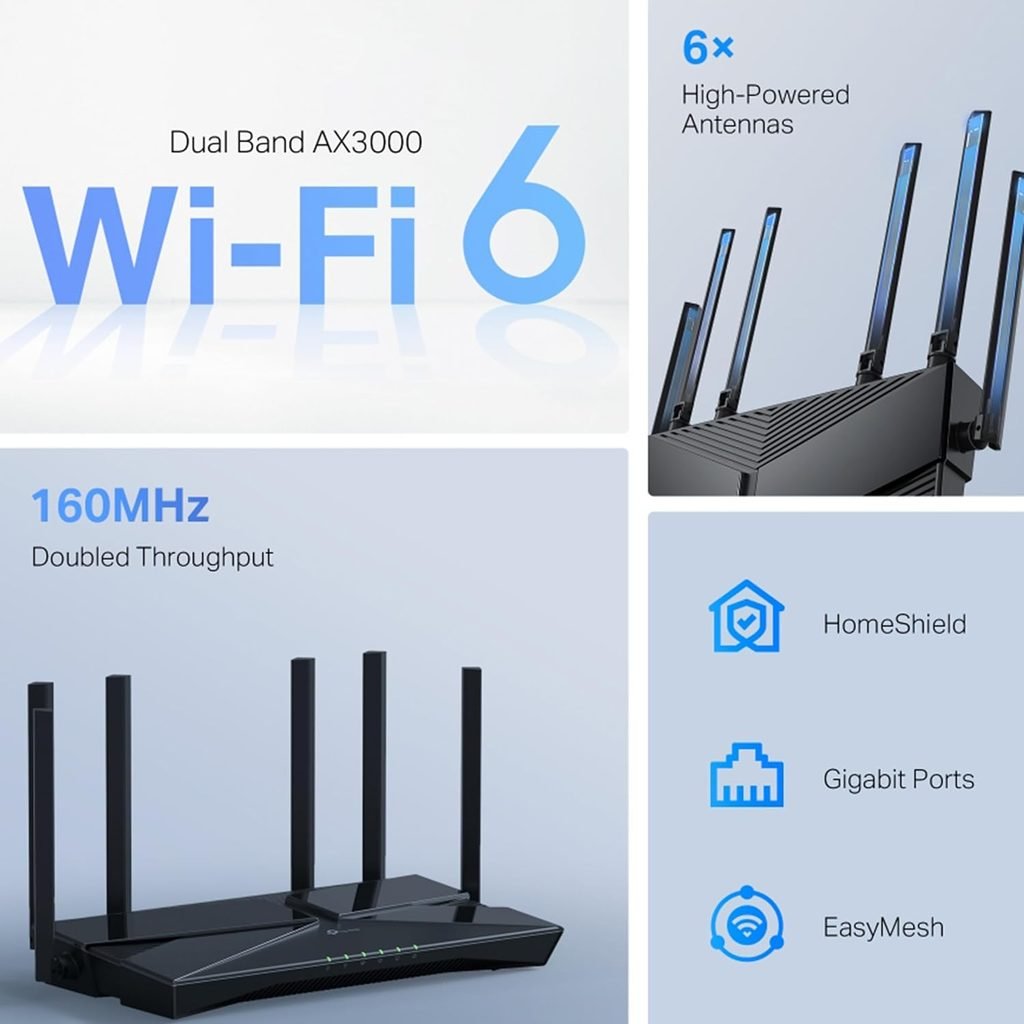
TP-Link Archer AX56
WiFi 6 · AX3000 class · Dual-band
Consider this model if you want a more feature-rich WiFi 6 router for a household with several active devices.
A modern household may have smartphones, laptops, smart TVs, security cameras, tablets, and smart home devices connected simultaneously. A suitable router needs to handle that activity without becoming a bottleneck.
The Archer AX56 is an option to compare for households looking for a mid-range WiFi 6 router. Features such as OFDMA and MU-MIMO, where supported by the router and client devices, can improve how network resources are shared.
Advantages
- WiFi 6 connectivity for compatible devices.
- Designed for multiple simultaneous wireless connections.
- Dual-band networking for balancing range and speed.
- A useful option for streaming, work, and everyday gaming.
Things to check before buying
Review the exact version sold in your region, the available security features, firmware update policy, warranty, and whether any advanced parental controls or security services require a subscription.
Best for: Families who want a capable everyday router and do not necessarily need WiFi 7.
4. ASUS RT-AX86U Pro — Best WiFi Router for Gaming
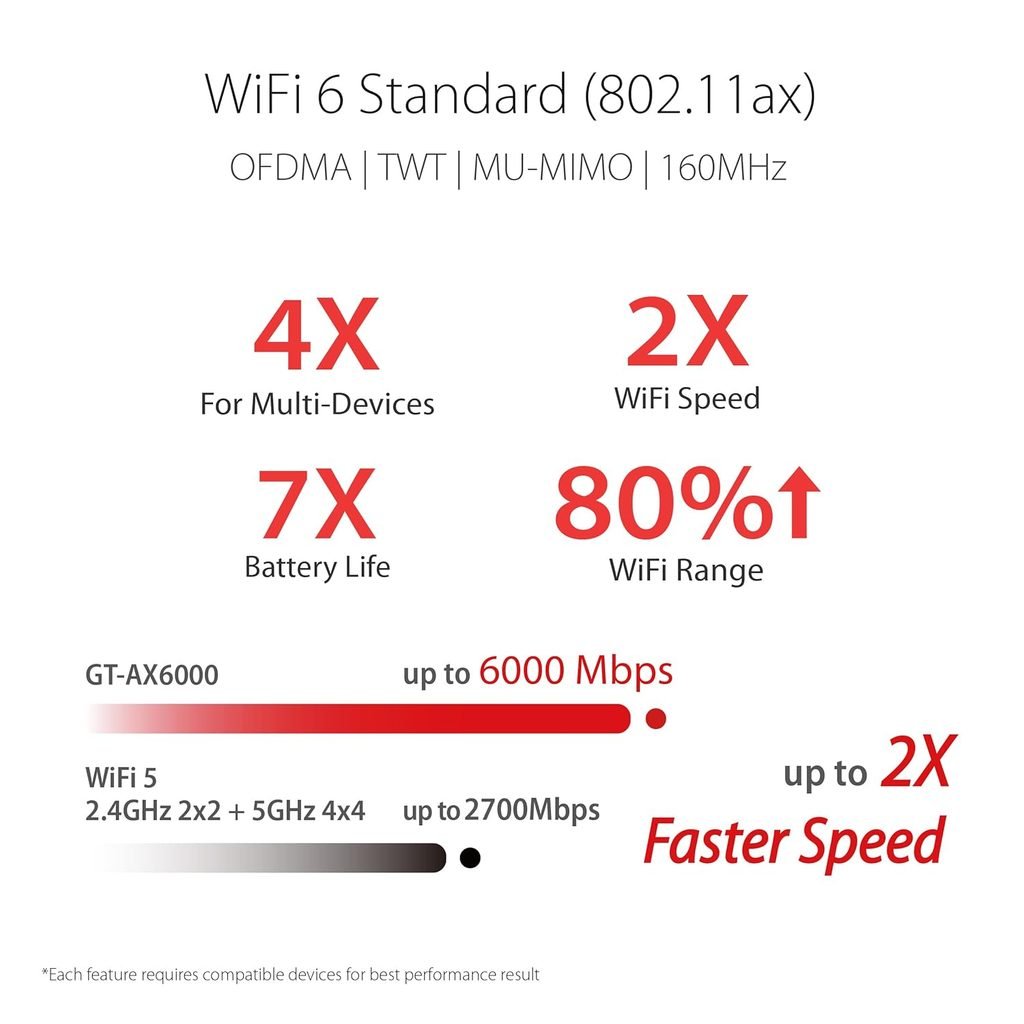
ASUS RT-AX86U Pro
WiFi 6 · Gaming-focused · Advanced networking
Worth comparing if gaming controls, wired connectivity, and advanced network settings matter more to you than simply buying the cheapest router.
Online gaming benefits from a stable connection and low latency. Although a gaming router cannot eliminate every network problem, advanced traffic-management features can help prioritise certain activities when the network is busy.
The ASUS RT-AX86U Pro is a WiFi 6 model designed for demanding home networking and gaming setups.
Why consider it?
- Gaming-oriented traffic management and network controls.
- Advanced configuration options.
- Wired Ethernet connectivity for desktop PCs and consoles.
- Useful features for users who want more control over their home network.
Important limitation: A high-end router cannot fix latency caused by a distant game server, congestion outside your home, or an unreliable ISP connection.
For the best gaming experience, connect your PC or console through Ethernet where possible. If you must use WiFi, place the router in an open, central location.
Best for: Gamers, power users, and households that want advanced network-management options.
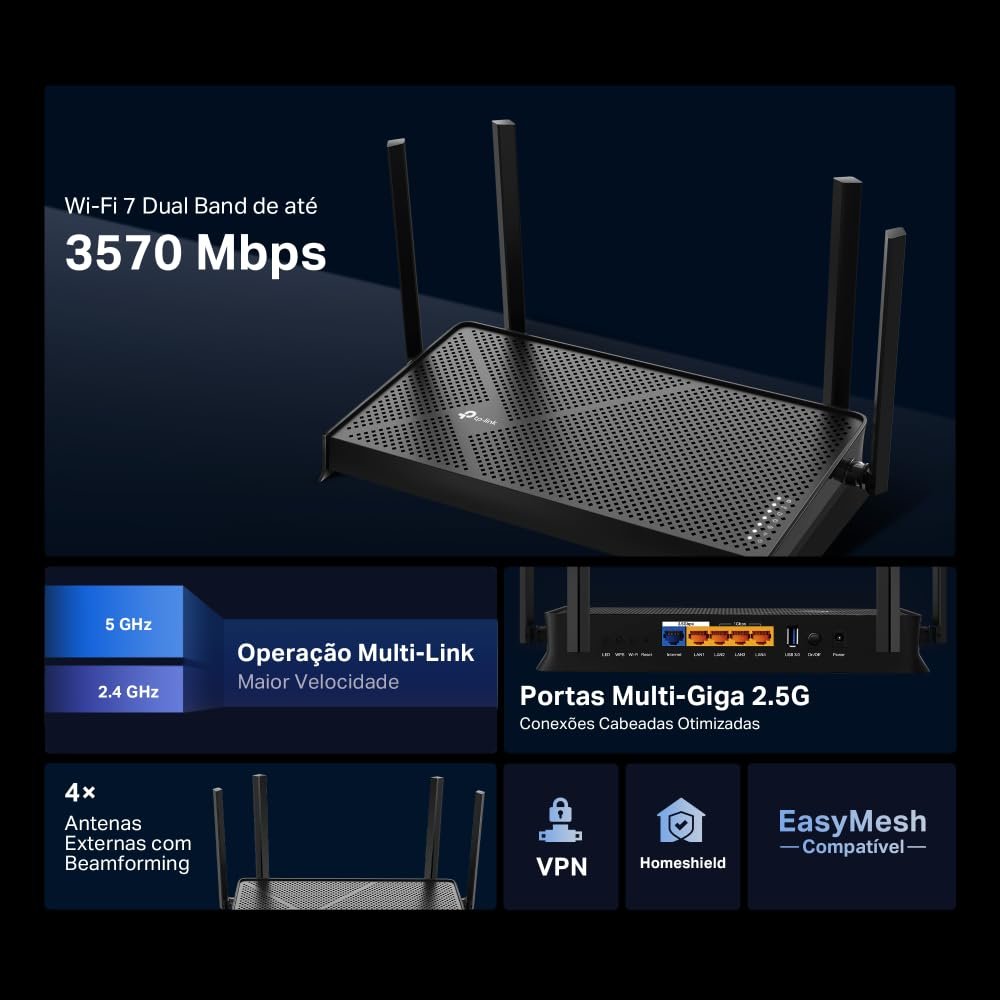
5. TP-Link Archer BE230 — Best Entry-Level WiFi 7 Option
TP-Link Archer BE230
WiFi 7 · BE3600 class · Dual-band
A newer-generation option for people who want WiFi 7 features and are prepared to pay more than they would for an entry-level WiFi 6 router.
WiFi 7 introduces features designed to improve wireless capacity, efficiency, and performance in compatible setups. However, not every WiFi 7 router supports the same bands or capabilities.
The Archer BE230 is a dual-band WiFi 7 model. Do not assume it includes a 6 GHz radio or 320 MHz channel support simply because it carries the WiFi 7 label. Verify the manufacturer’s specifications for the exact model and regional version.
Reasons to consider WiFi 7
- Newer wireless technology.
- Multi-Link Operation (MLO), subject to implementation and compatible devices.
- Potential benefits in supported high-demand setups.
- A possible upgrade path for a home adding newer phones and laptops.
Reasons to skip it
- Your current router already handles your internet plan well.
- Your devices do not support the newer features.
- You would benefit more from better router placement or an additional access point.
Best for: People planning a longer-term upgrade who want to investigate WiFi 7 without immediately buying a premium tri-band model.
WiFi Router Comparison Table
Use this table as a quick shortlist before checking full specifications and current prices.
| Feature | AX12 | AX53 | AX55 | RT-AX86U Pro | BE230 |
|---|---|---|---|---|---|
| WiFi generation | WiFi 6 | WiFi 6 | WiFi 6 | WiFi 6 | WiFi 7 |
| General target | Budget | Everyday home | Busy home | Gaming | Newer standard |
| Best reason to consider | Lower cost | Balanced use | Multiple devices | Advanced controls | WiFi 7 features |
| Mesh/coverage expansion | Check model support | Check model support | Check model support | Check model support | Check model support |
Specifications and features can vary by hardware revision and market. Check the official product page before making a final decision.
How to Choose the Best WiFi Router for Your Home
Buying a router becomes easier when you identify what your network actually needs. These are the most important factors to consider.
1. Check Your Internet Plan Speed
Your router should be suitable for the broadband speed you pay for.
- Up to 100 Mbps: An affordable, properly configured router may be enough.
- 100–300 Mbps: A good dual-band router can suit most everyday households.
- 300–500 Mbps: Consider a capable WiFi 6 model with suitable Ethernet ports.
- 500 Mbps and above: Compare stronger WiFi 6 and WiFi 7 models based on your devices and workload.
- 1 Gbps or faster: Check WAN/LAN port speeds carefully; multi-gigabit ports may be important.
These are general guidelines, not strict requirements. WiFi performance varies with the connected device and the environment.
2. Understand WiFi 5, WiFi 6, and WiFi 7
| Standard | Technical name | What to know |
|---|---|---|
| WiFi 5 | 802.11ac | Older generation; may still be adequate for basic use |
| WiFi 6 | 802.11ax | Improved efficiency for busy networks |
| WiFi 6E | 802.11ax with 6 GHz support | Adds access to the 6 GHz band where permitted and supported |
| WiFi 7 | 802.11be | Newer features, including MLO on compatible implementations |
A higher WiFi generation does not automatically guarantee better coverage in every home. Your phone or laptop must also support the relevant features to benefit from them.
3. Choose Between Dual-Band and Tri-Band

A dual-band router generally uses the 2.4 GHz and 5 GHz bands.
- 2.4 GHz: Often offers better reach, but can experience more interference and lower speeds.
- 5 GHz: Often offers faster connections at shorter distances.
- 6 GHz: Available on WiFi 6E and certain WiFi 7 models; requires compatible devices and permitted local spectrum use.
Tri-band does not always mean the same thing. Check which three bands the particular router supports instead of relying on the label alone.
4. Consider the Size and Layout of Your Home
A single powerful router may work well in a small or medium-sized home. However, large homes, multiple floors, and thick walls can create dead zones.
If you have weak WiFi in distant bedrooms, consider:
- A mesh WiFi system with multiple nodes.
- An additional wired access point.
- Ethernet backhaul between mesh nodes, where practical.
Remember: Upgrading to a faster router does not guarantee better coverage in every room.
5. Look for Modern Security Features
Your router connects phones, computers, televisions, and other devices to the internet, so security matters.
Look for:
- WPA3 security support where compatible.
- Regular firmware and security updates.
- A strong, unique WiFi password.
- A separate guest network.
- Parental controls if you need them.
- A clear policy for ongoing security updates.
Change the default administrator password during setup, and disable remote administration if you do not need it.
6. Check Ethernet Ports and ISP Compatibility
If you connect a desktop computer, console, NAS, or smart TV by cable, check how many LAN ports the router provides.
Also confirm that the router can work with your ISP setup. Some fibre connections require an ISP-provided ONT, PPPoE credentials, VLAN settings, or other configuration. A replacement router may not directly replace the optical fibre equipment.
How to Improve WiFi Router Performance
You may not need to purchase a new router to improve your connection.
Try these practical steps first:
- Place your router in a central, open location.
- Keep it away from enclosed cabinets and large obstructions.
- Use 5 GHz for speed when your device is relatively close to the router.
- Use 2.4 GHz for devices that need better reach.
- Update the router firmware.
- Connect fixed devices by Ethernet where possible.
- Test your broadband speed close to the router and compare it with a wired result.
If you still experience slow internet, investigate whether the problem comes from your broadband connection, router, device, or WiFi interference before spending money on an upgrade.
how to improve WiFi speed at home
Frequently Asked Questions
Which is the best WiFi router for home use?
The best option depends on your internet speed, home layout, budget, and connected devices. A good WiFi 6 router is a sensible starting point for many homes, while WiFi 7 may be useful for compatible, higher-demand setups.
Is WiFi 6 better than WiFi 5?
WiFi 6 offers improvements in efficiency and handling busy networks. However, the improvement you notice depends on your router, devices, and internet plan.
Should I buy a WiFi 7 router in 2026?
Consider WiFi 7 if you have compatible devices, a demanding network, or a reason to invest in newer features. If your broadband plan is modest and your current router works well, a WiFi 6 model may offer better value.
How many devices can one WiFi router support?
There is no universal number. The practical limit depends on the router hardware, the type of activity each device performs, signal strength, and how much bandwidth is available.
Will a new router increase my internet speed?
It can help if your existing router is a bottleneck. It will not increase the speed included in your broadband plan or fix every ISP-side issue.
Is a mesh WiFi system better than a single router?
A mesh system can improve coverage across larger homes or multiple floors. For a smaller home with good router placement, a single router may be sufficient.
How often should I replace my WiFi router?
There is no fixed replacement schedule. Consider upgrading when your router no longer meets your speed, coverage, security-update, or device-support requirements.
Final Verdict: Which WiFi Router Should You Buy?
The best WiFi router is the one that fits your internet connection and home, not necessarily the one with the biggest speed number on its box.
For budget-conscious users, the TP-Link Archer AX12 is worth comparing. For balanced everyday use, compare the Archer AX53 and AX56. Gamers who need advanced network controls can investigate the ASUS RT-AX86U Pro, while people interested in newer wireless features can look at the TP-Link Archer BE230.
Before purchasing, check the exact model specifications, regional compatibility, warranty, current price, and firmware support. A well-placed, properly configured router can be more useful than an expensive upgrade that does not solve your actual WiFi problem.